Do staff need to install anything?
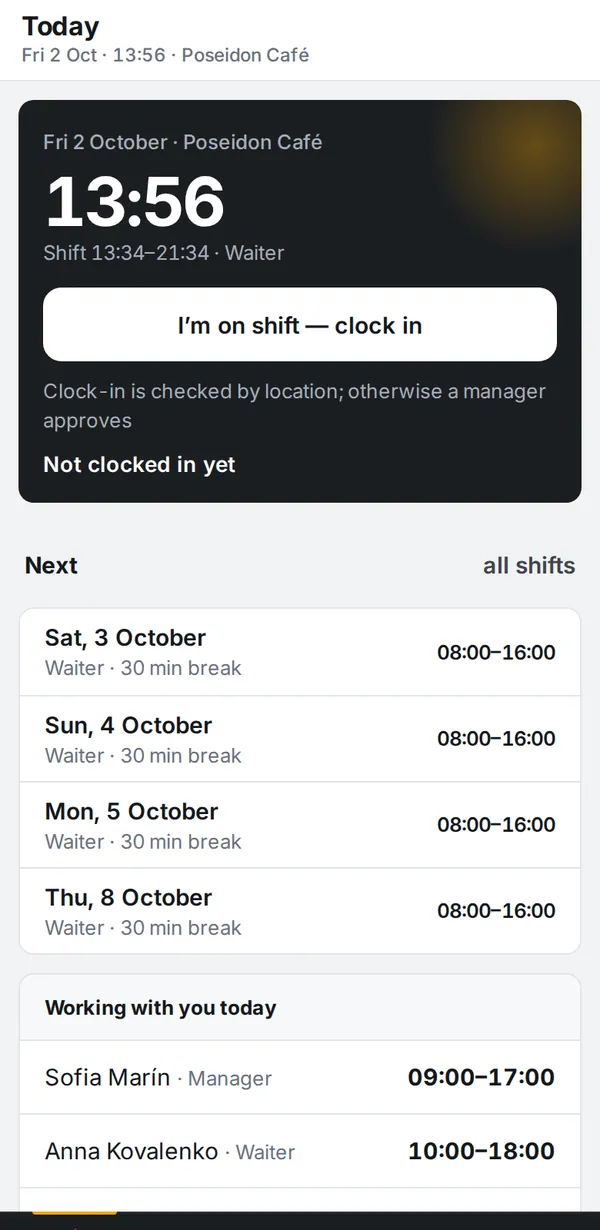
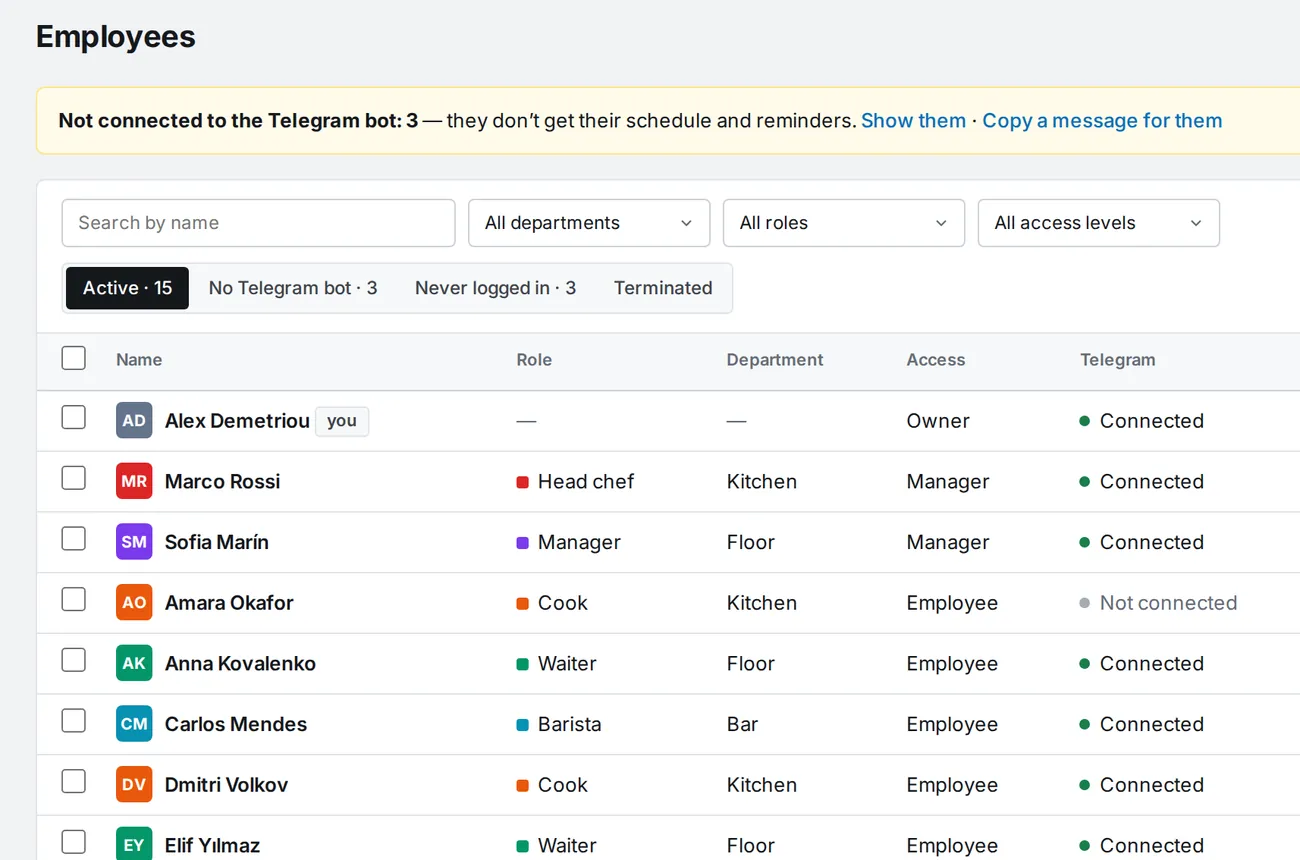
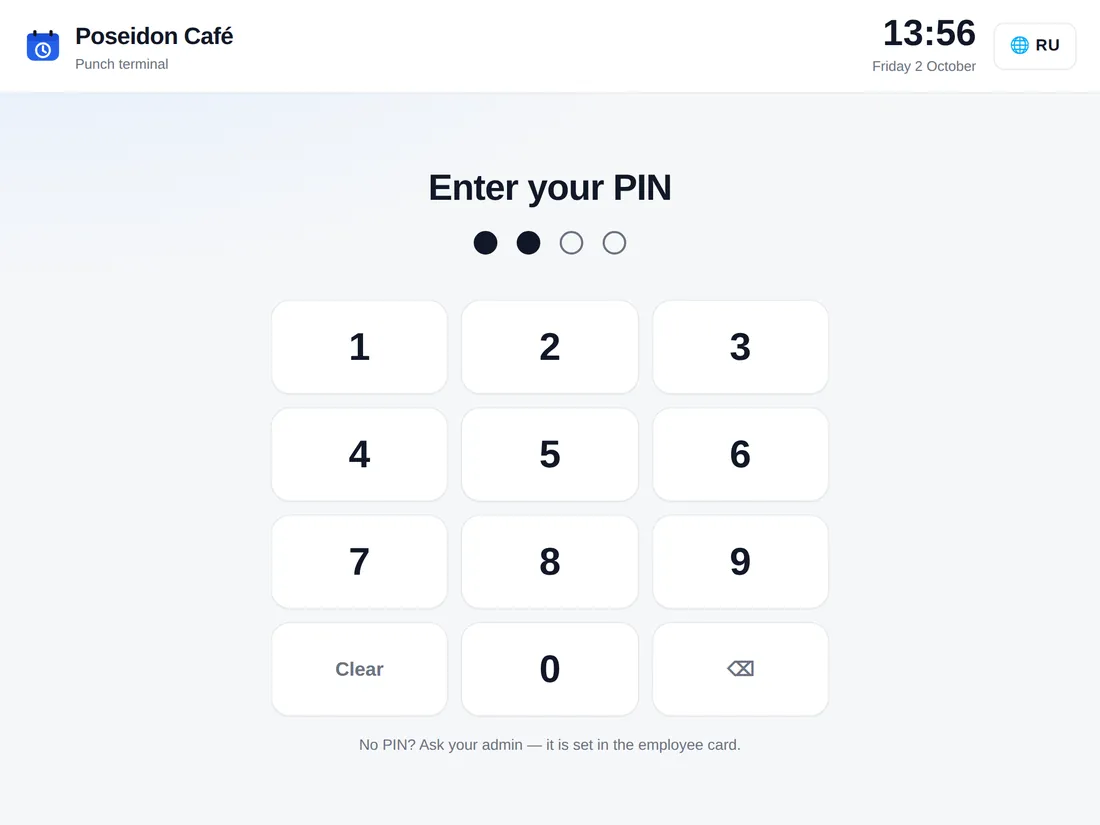
No. A browser or Telegram is enough: the app opens from the bot as a Mini App. A staff member opens the invite link, connects the bot and sees their shifts. The venue terminal is just a page opened by link on any tablet. Android and iPhone apps are coming soon to Google Play and the App Store.
How do staff hear about shifts if they don't use Telegram?
Each person picks their channels and their order: Telegram, push notifications in the phone's browser, or email. If the first channel isn't available, the message goes out through the next one. A reminder arrives the evening before and N minutes before the shift; no reminders during the company's quiet hours.
Can IzyShift build the schedule for me?
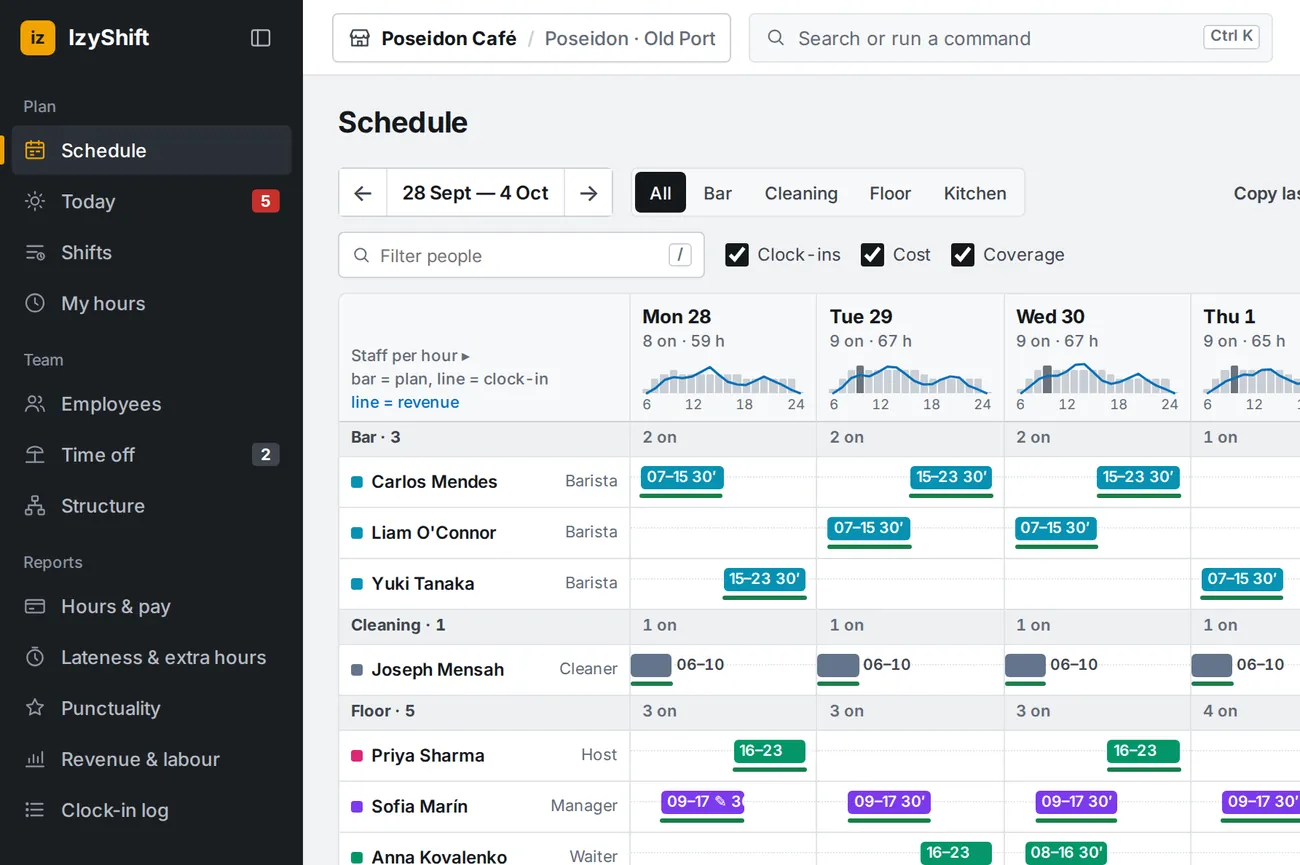
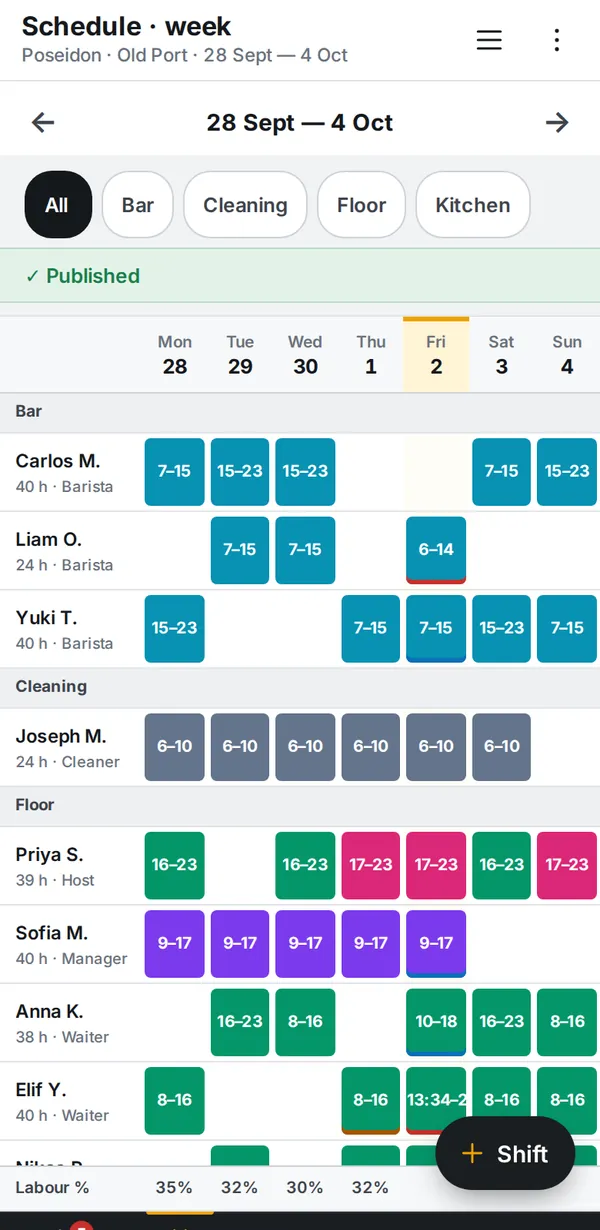
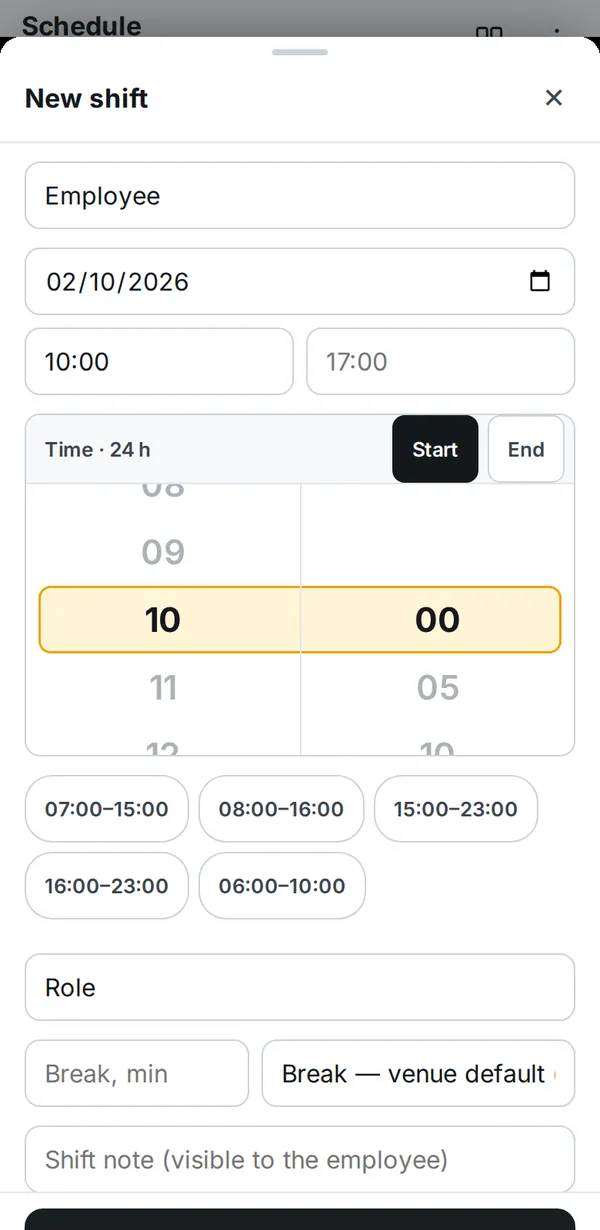
Yes. Autofill covers gaps against your staffing norms and open shifts, respecting position, availability, leave, rest between shifts and hour limits; it balances hours across people and keeps to a labour % budget based on the revenue forecast. Every suggestion says why that person was picked. Every shift lands as a draft, and you publish once you have checked.
Can I look around without signing up?
Yes. The demo in Telegram is your own copy of Poseidon Café for 24 hours with a made-up team: view it as the owner, a manager or an employee. Only you see your changes.
How do you verify someone actually showed up?
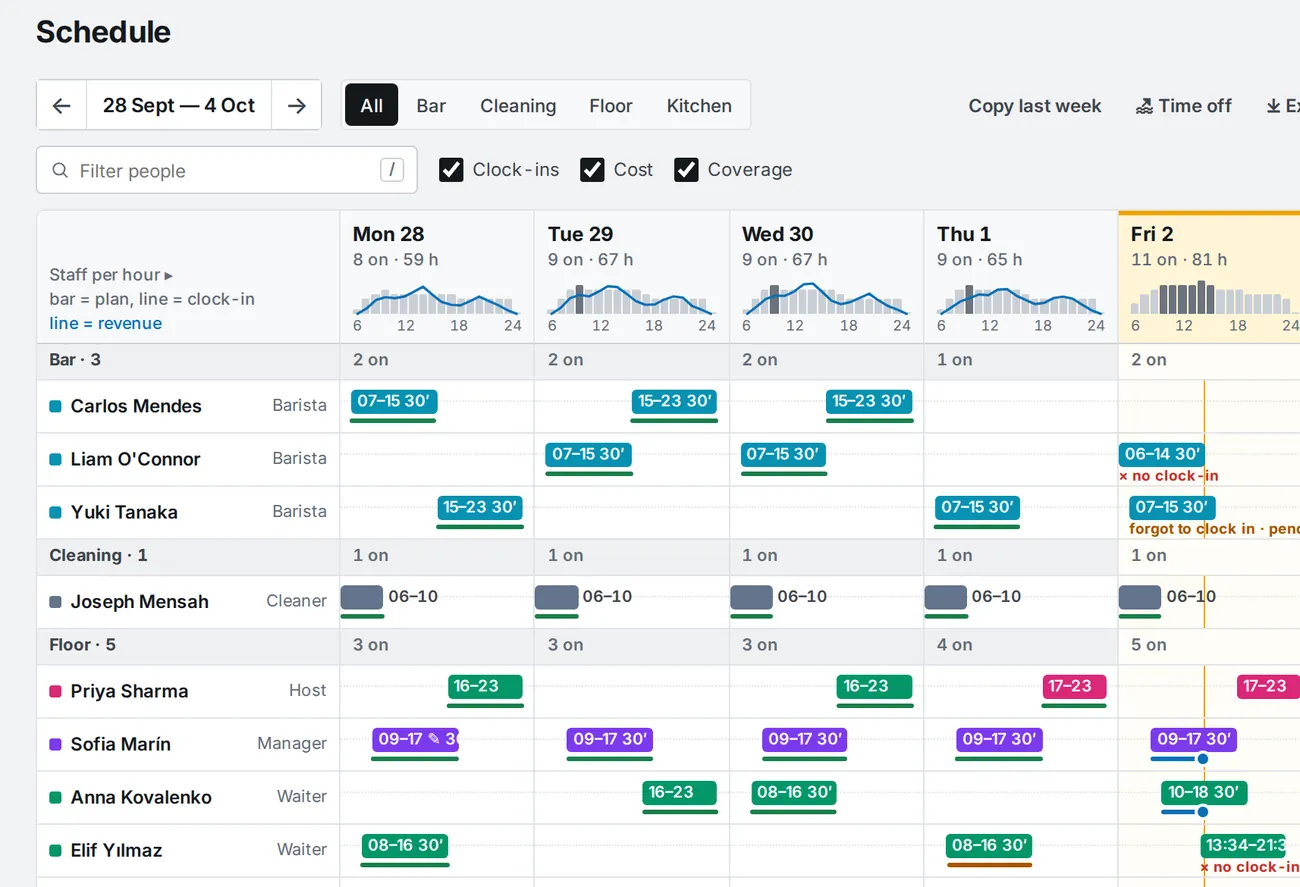
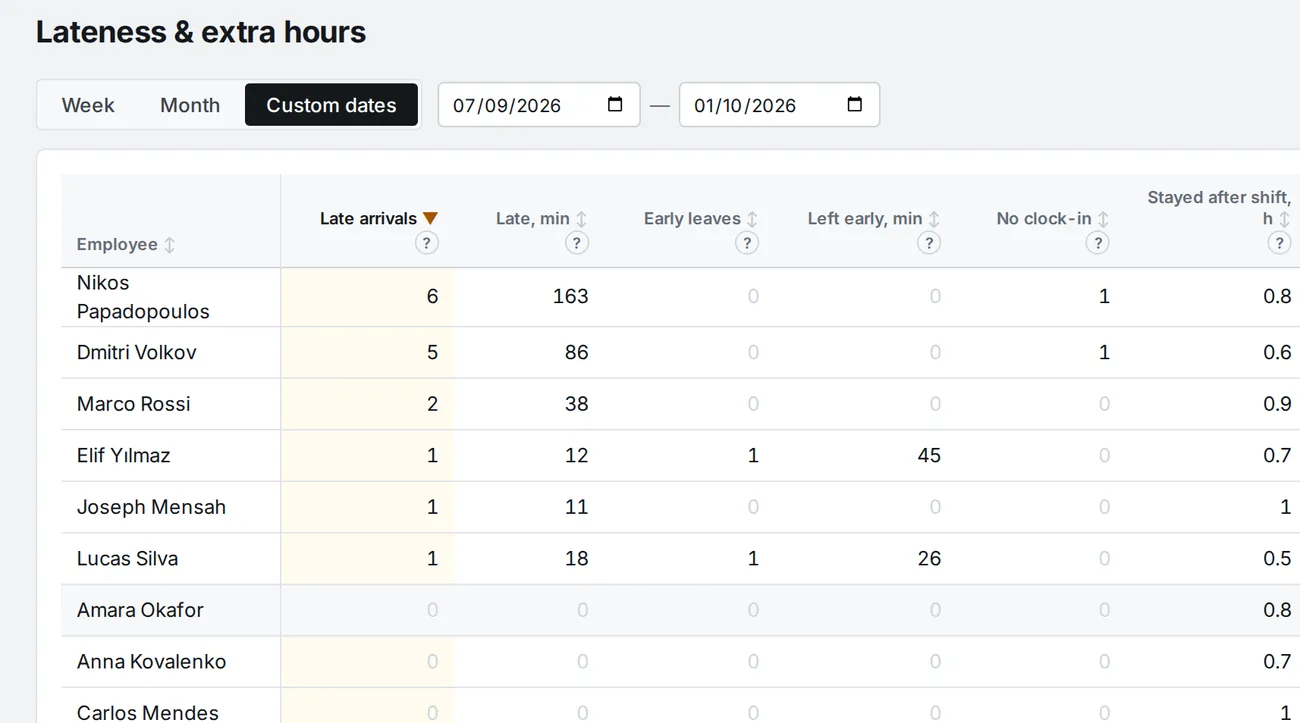
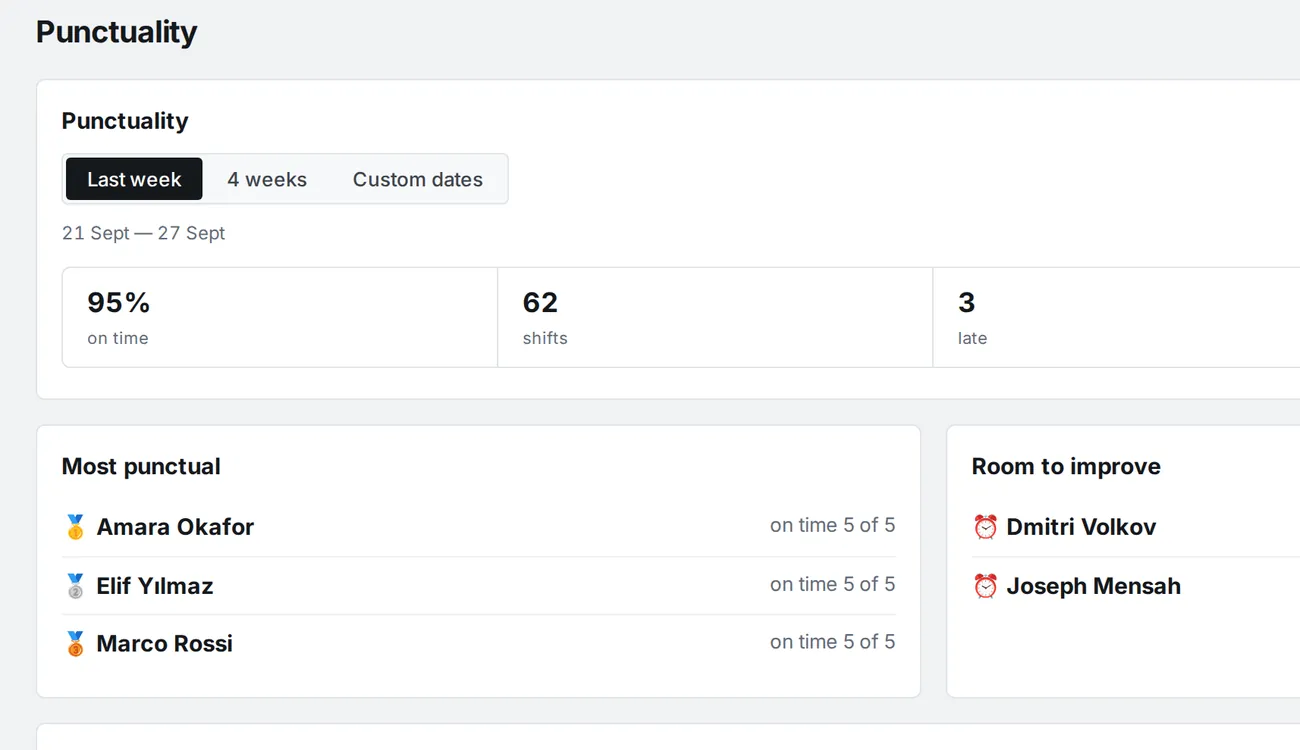
You choose, and you can combine methods: a terminal at the venue with personal PINs, phone clock-in only on the venue's Wi-Fi or near it by location, manager approval. The clock-in is tied to the shift and lateness is counted automatically.
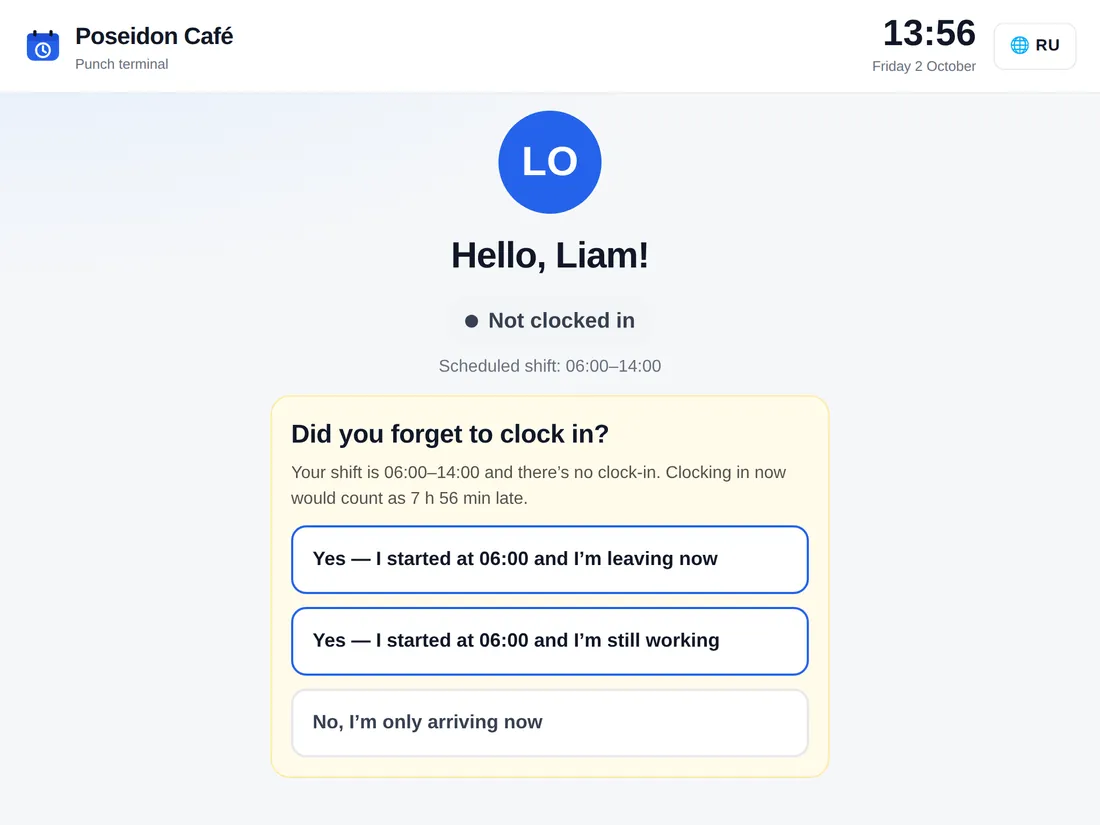
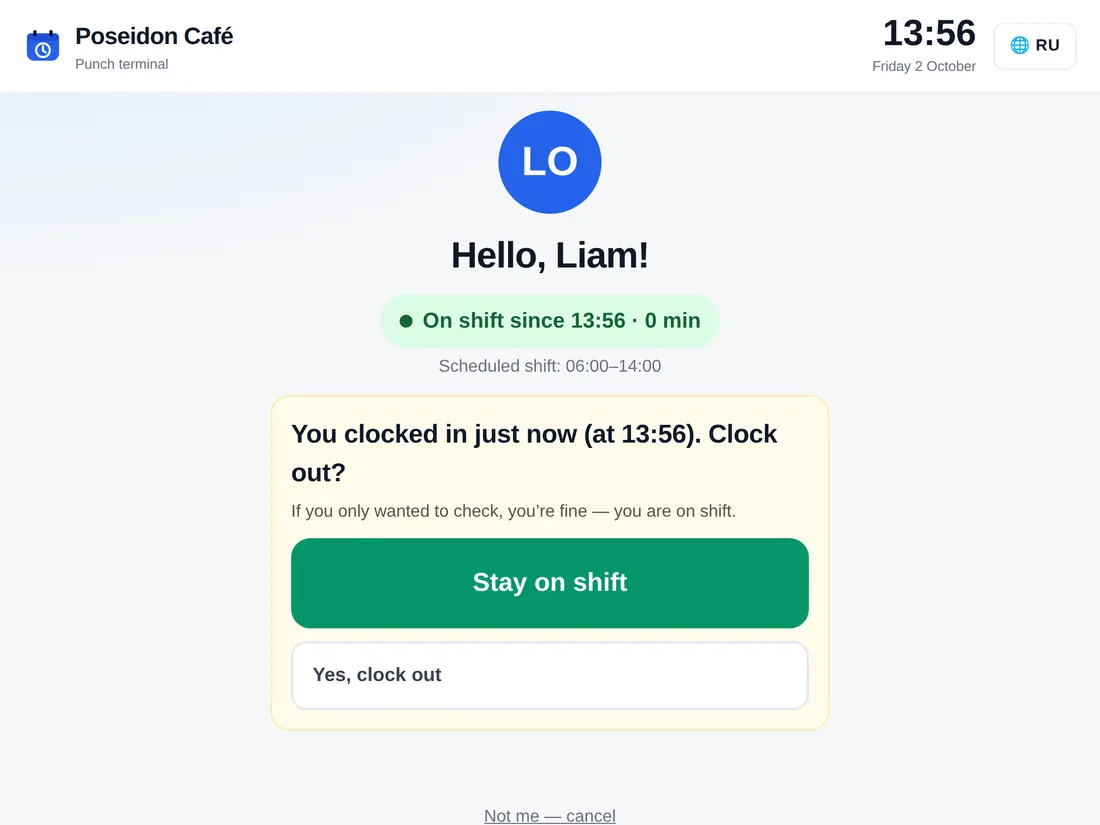
What if someone forgets to clock in or taps the wrong button?
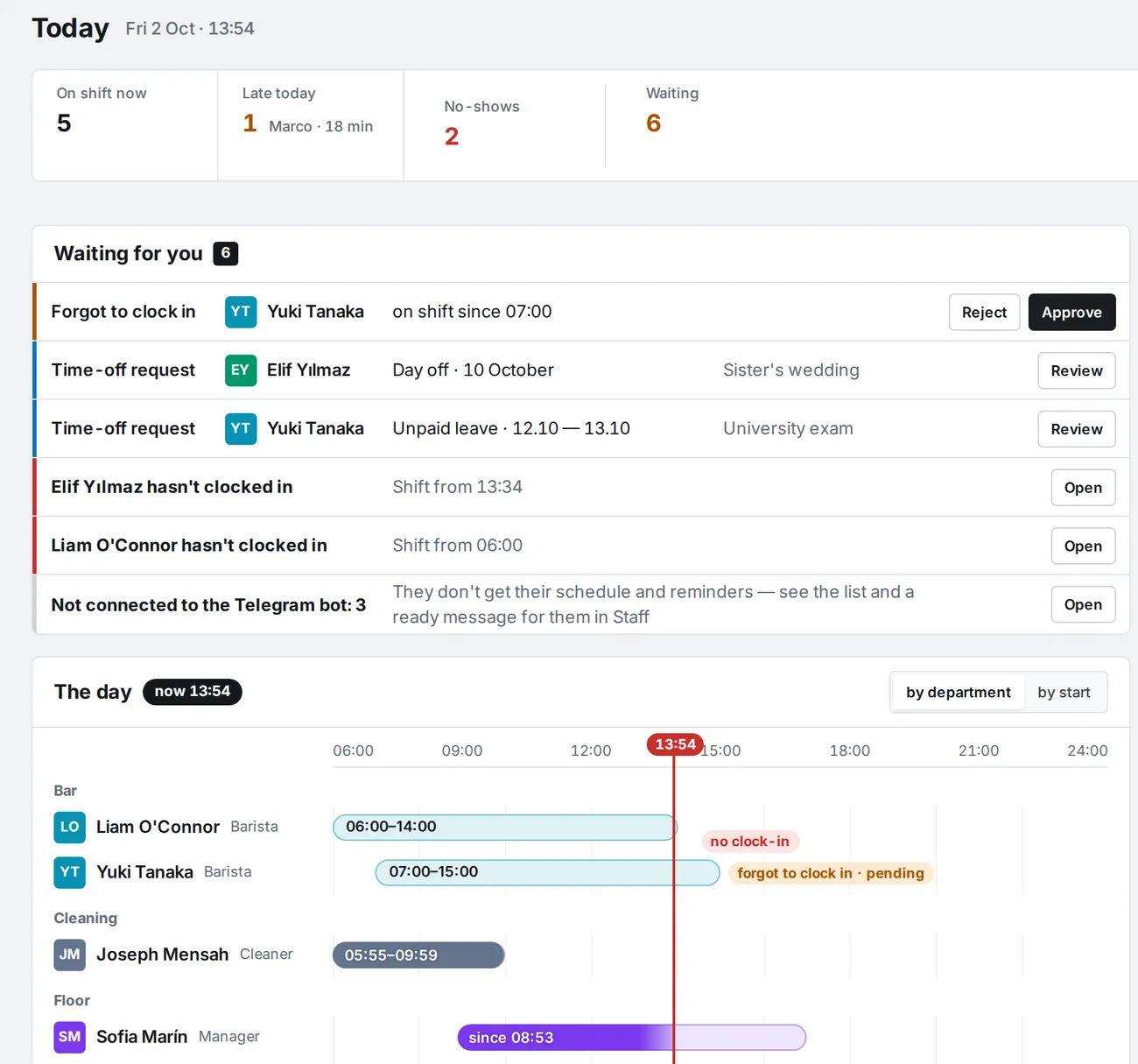
The terminal asks “Forgot to clock in?” and the correction goes to the manager for approval. Clocking out right after clocking in needs a confirmation. If there is no clock-in at all, after N minutes the manager gets a no-show message.
How does lateness affect pay?
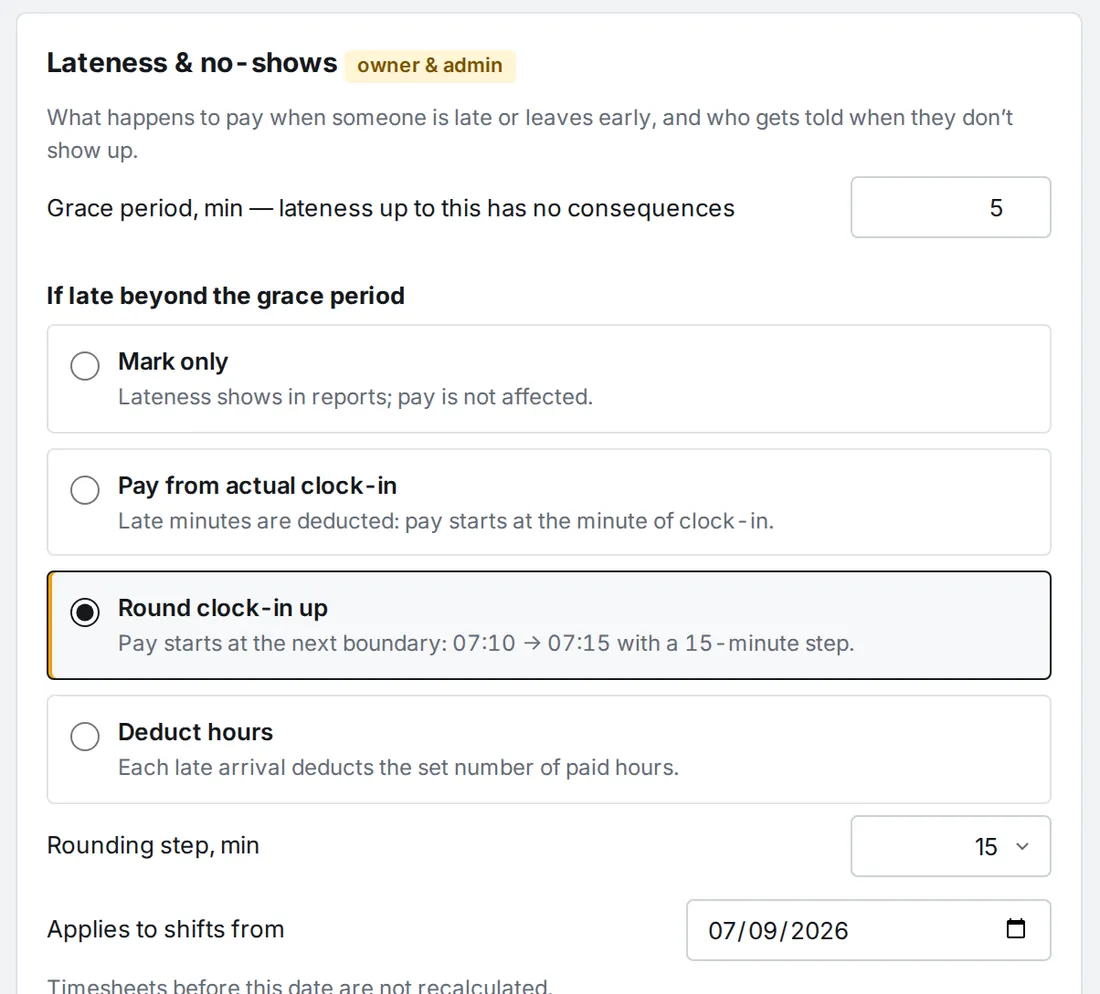
The way you set it up. A grace period in minutes, and beyond it one of four options: just flag it, pay from the minute of arrival, round to a step, or deduct hours. You can give an employee a personal rule and waive the rule for a single shift with a comment. The employee gets a message about the correction right away.
What data do you take from Syrve?
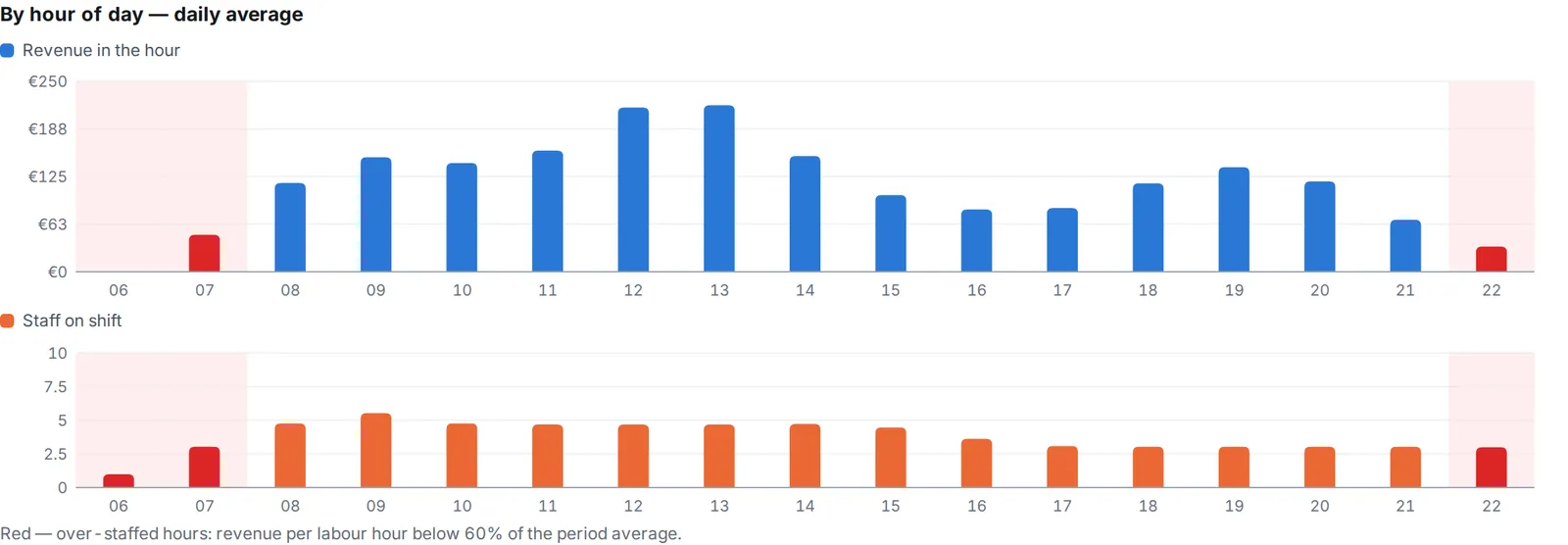
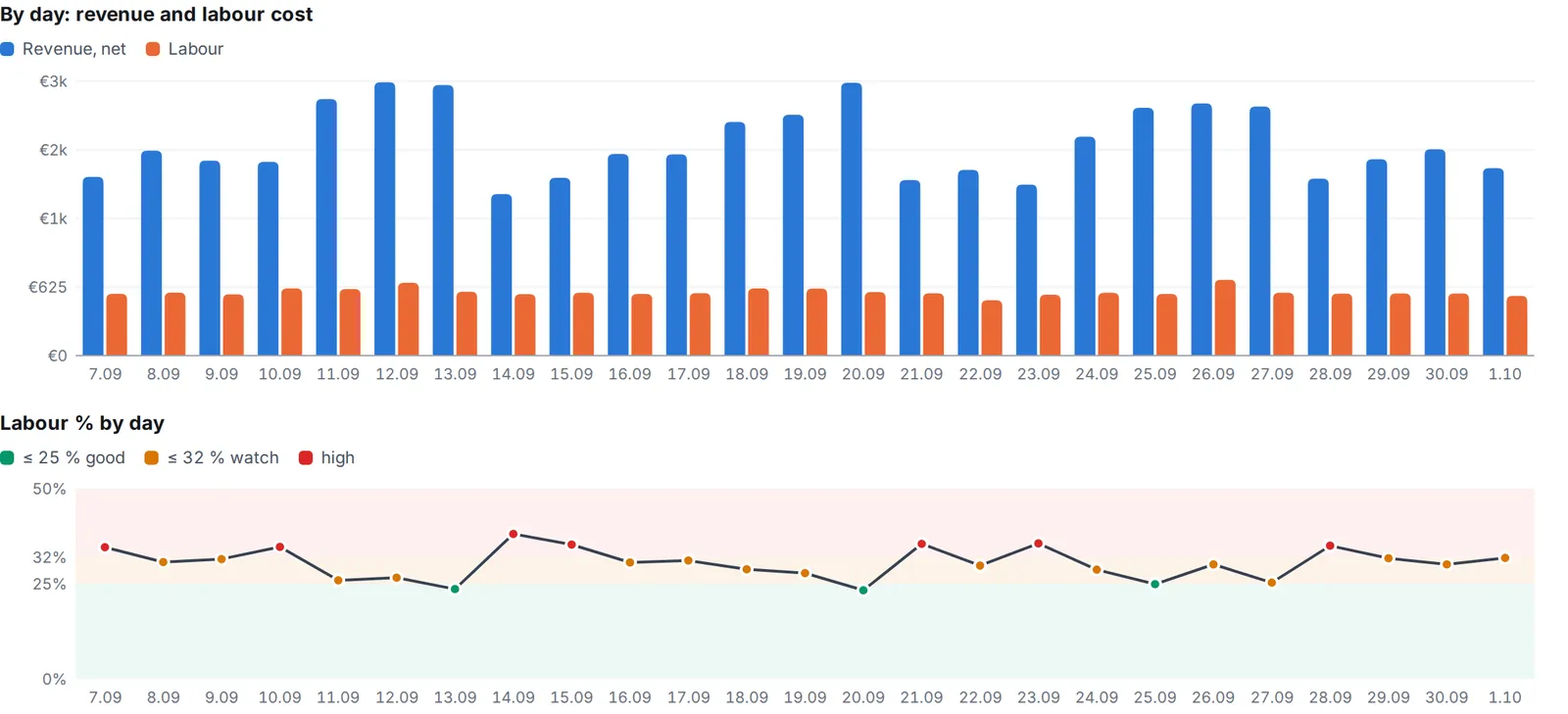
Only sales by the hour: revenue after discounts, number of orders and channel: dine-in, takeaway, delivery. No guest data, no menu. Access is read-only. Only the owner and admins see revenue and labour cost.
We keep the schedule in another program or in Excel. Can we move over?
Yes, and on your own: upload staff and the schedule from Excel or CSV, from our template or your own file, with a preview and per-row errors. Shifts arrive as drafts and invitations go out by email. Or order turnkey onboarding and we move you over.
Is there a free trial?
Yes. A single venue with up to 5 staff is free. If you have more people or need a second venue, you can take any paid plan (Start, Team, Pro) for 14 days with no card. We remind you 3 days and 1 day before it ends. If you do not pay, the company goes back to Free, or with more than five people access is locked until payment. Your data is kept.
What happens if we don't renew?
The account is locked, the data stays: schedules and clock-ins are needed for payroll. Pay, and everything is back.
Where is the data stored?
On servers in the European Union. Only a company's managers can access its data, and permissions are checked on the server on every request.